EXCELLENT
4.9/5 ACROSS 40,000 PURCHASES

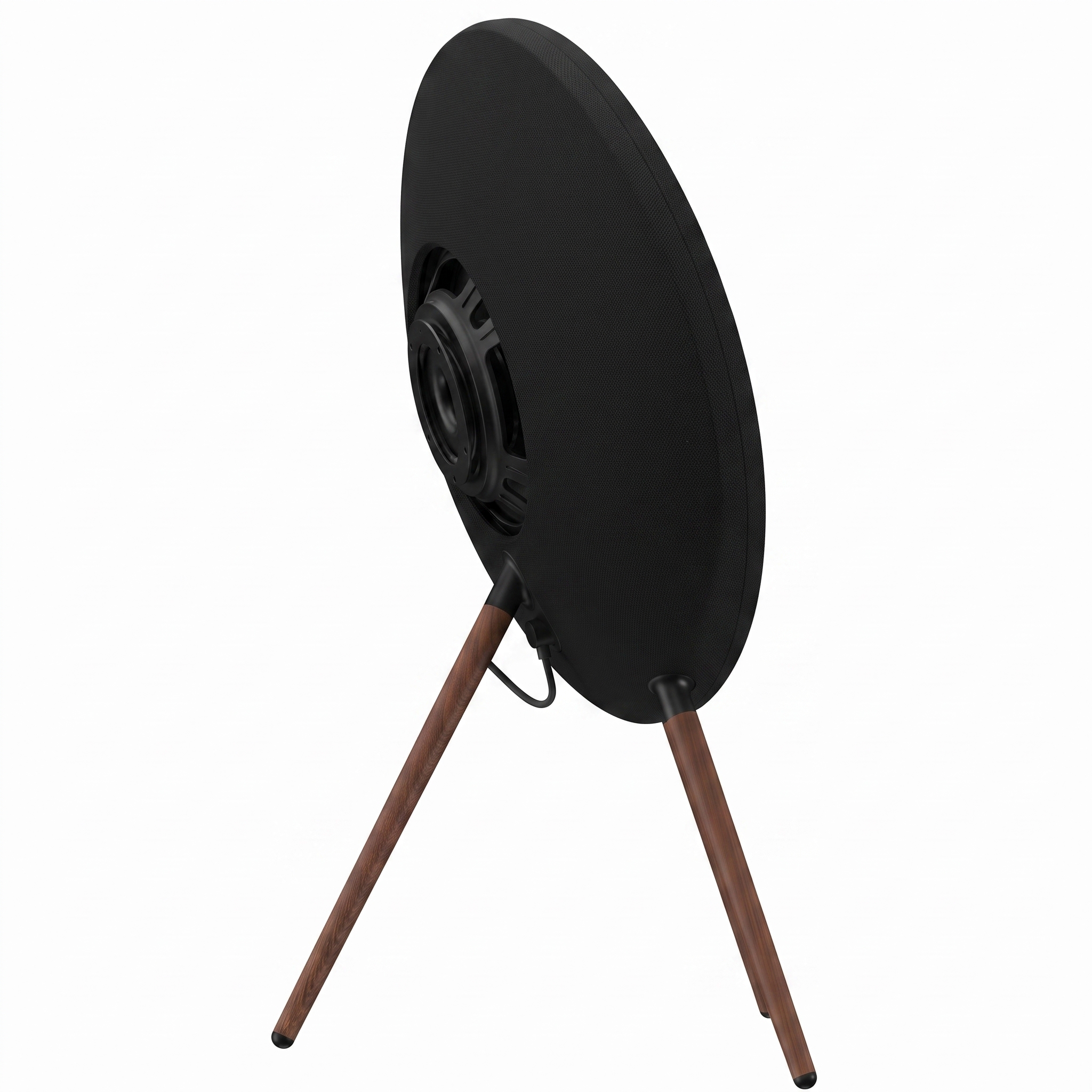
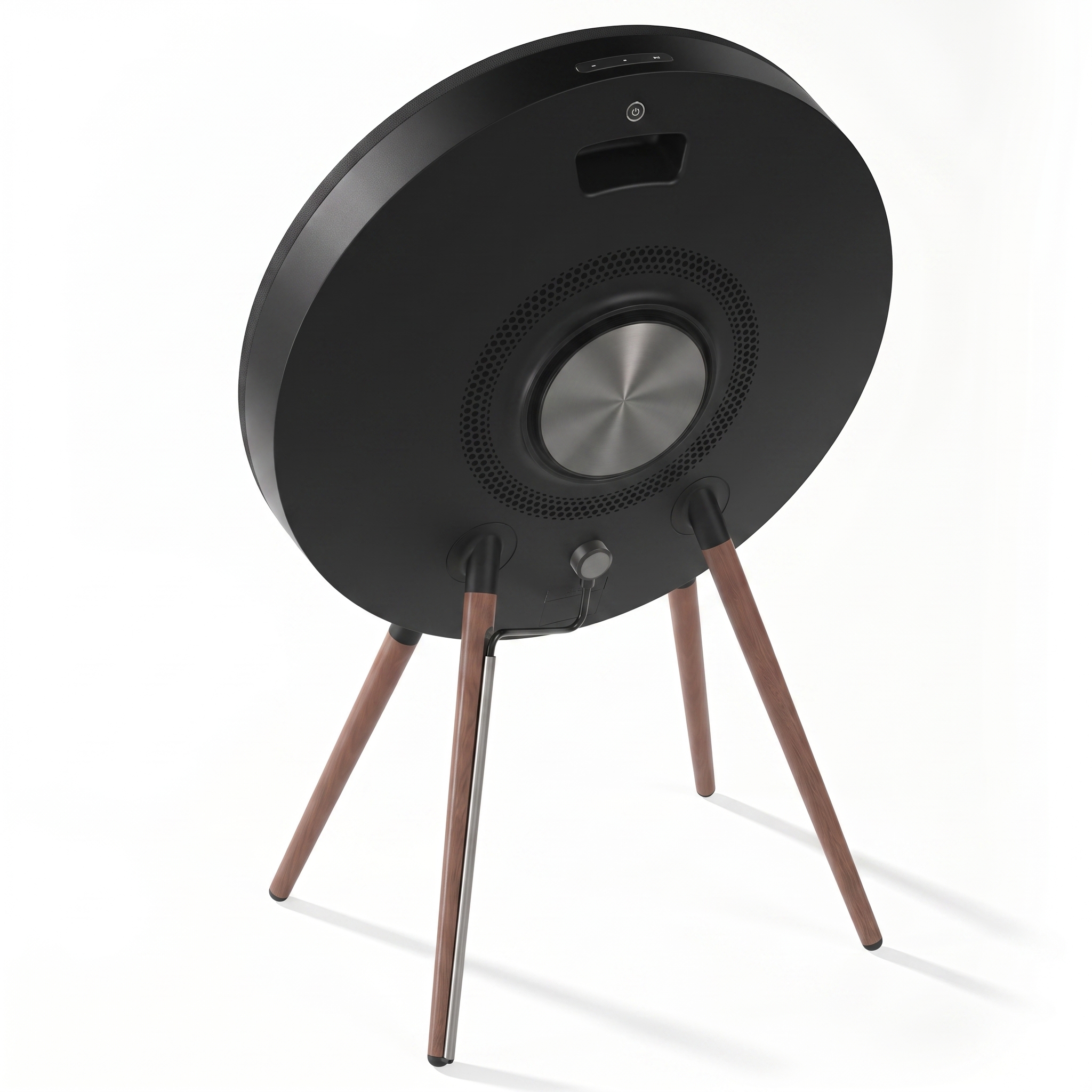
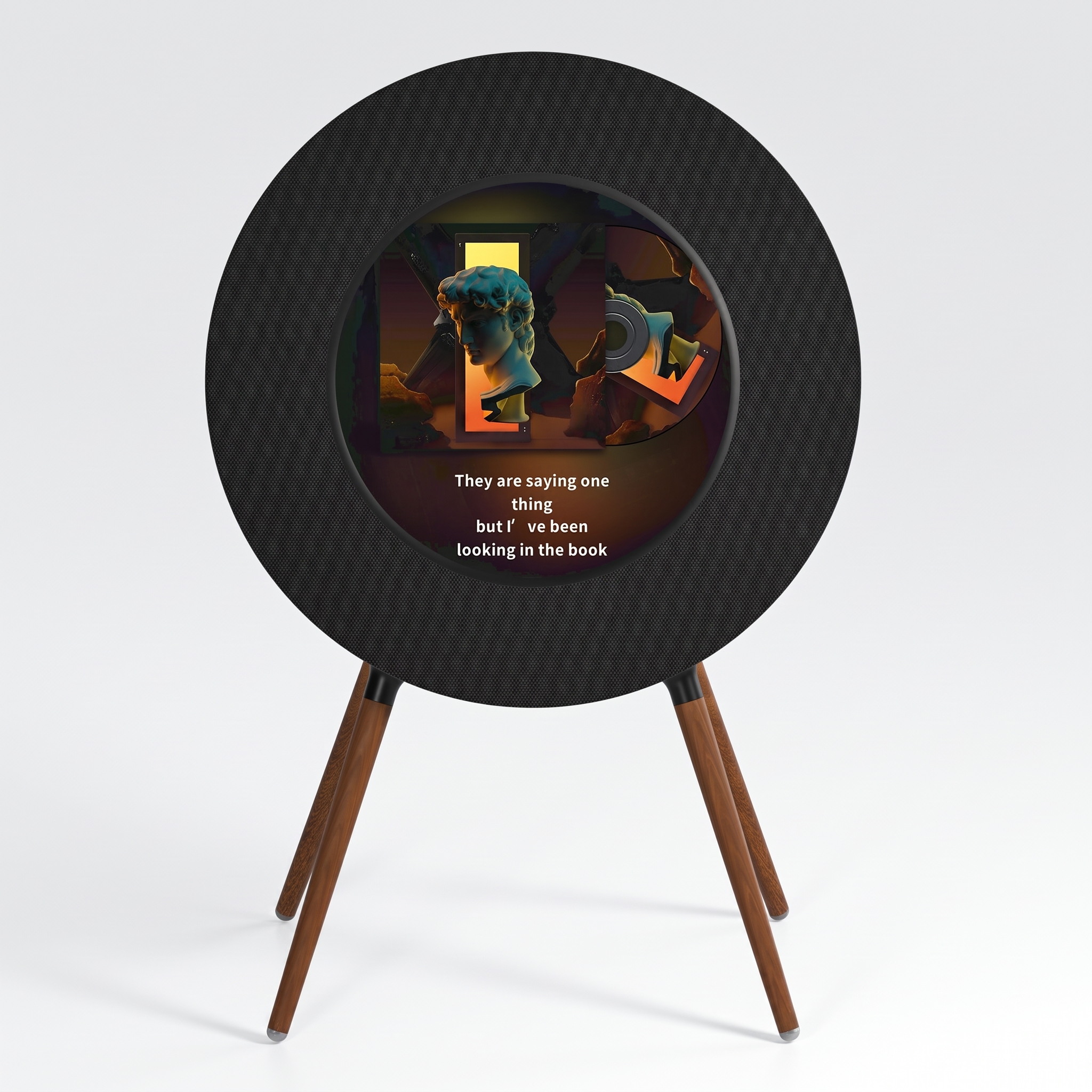
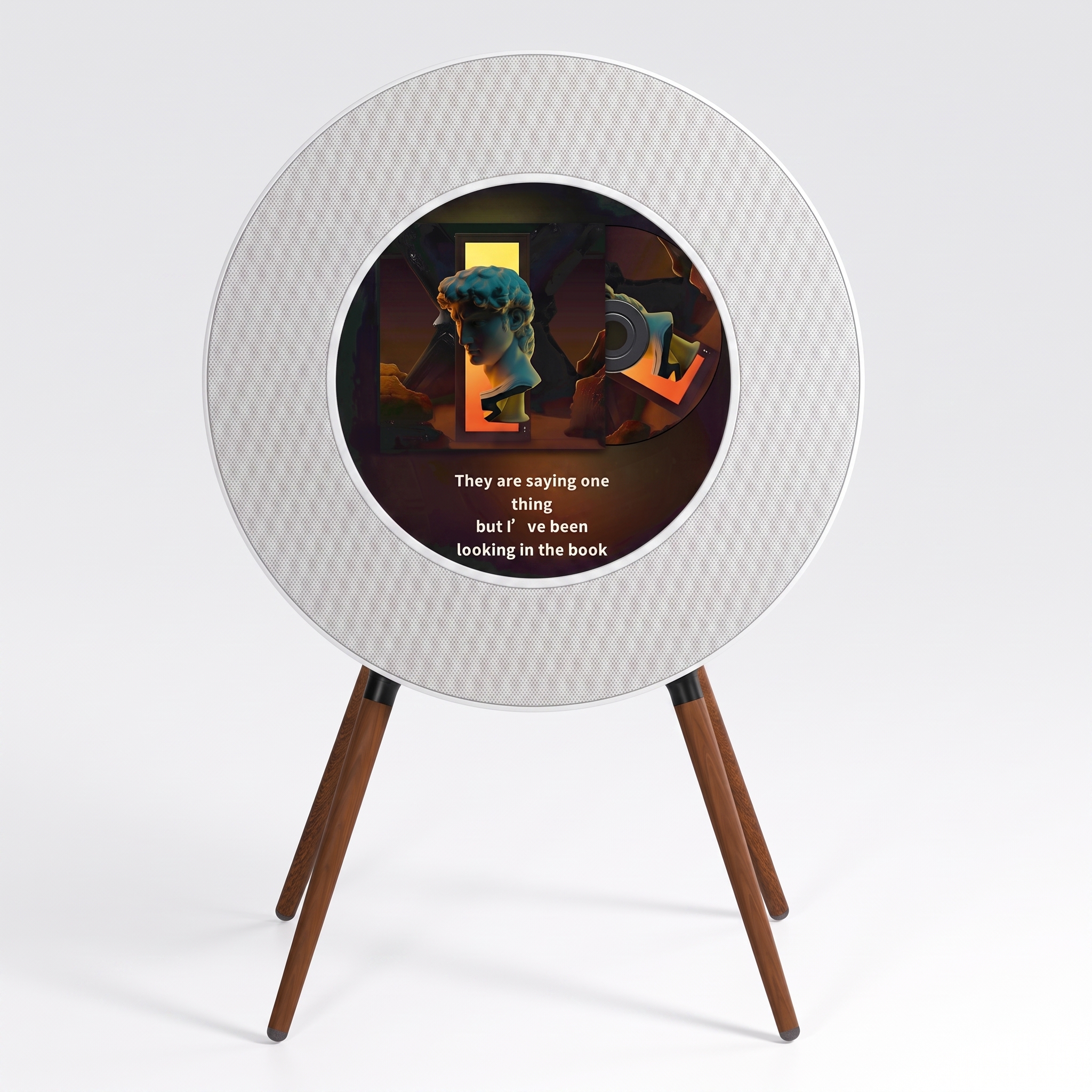
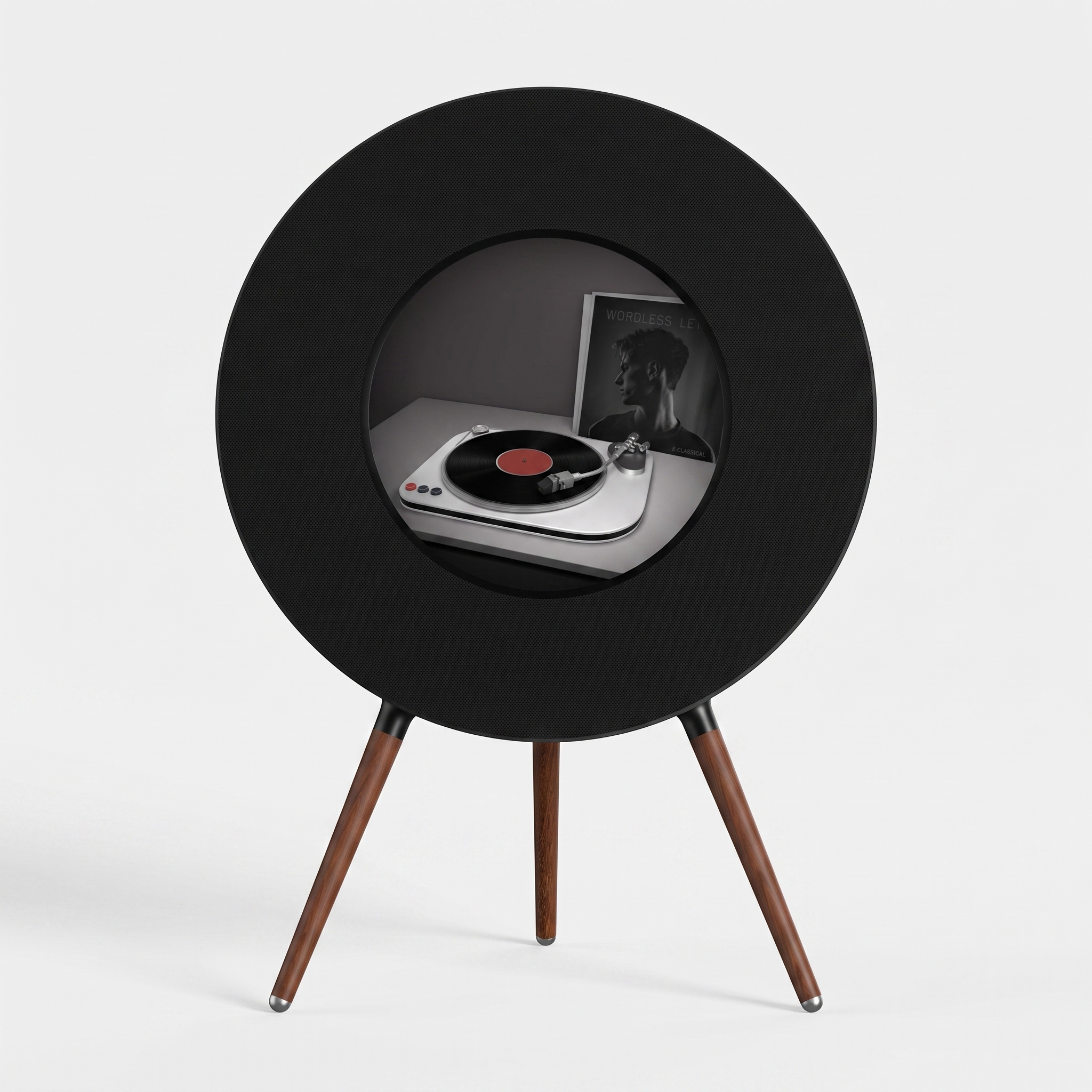
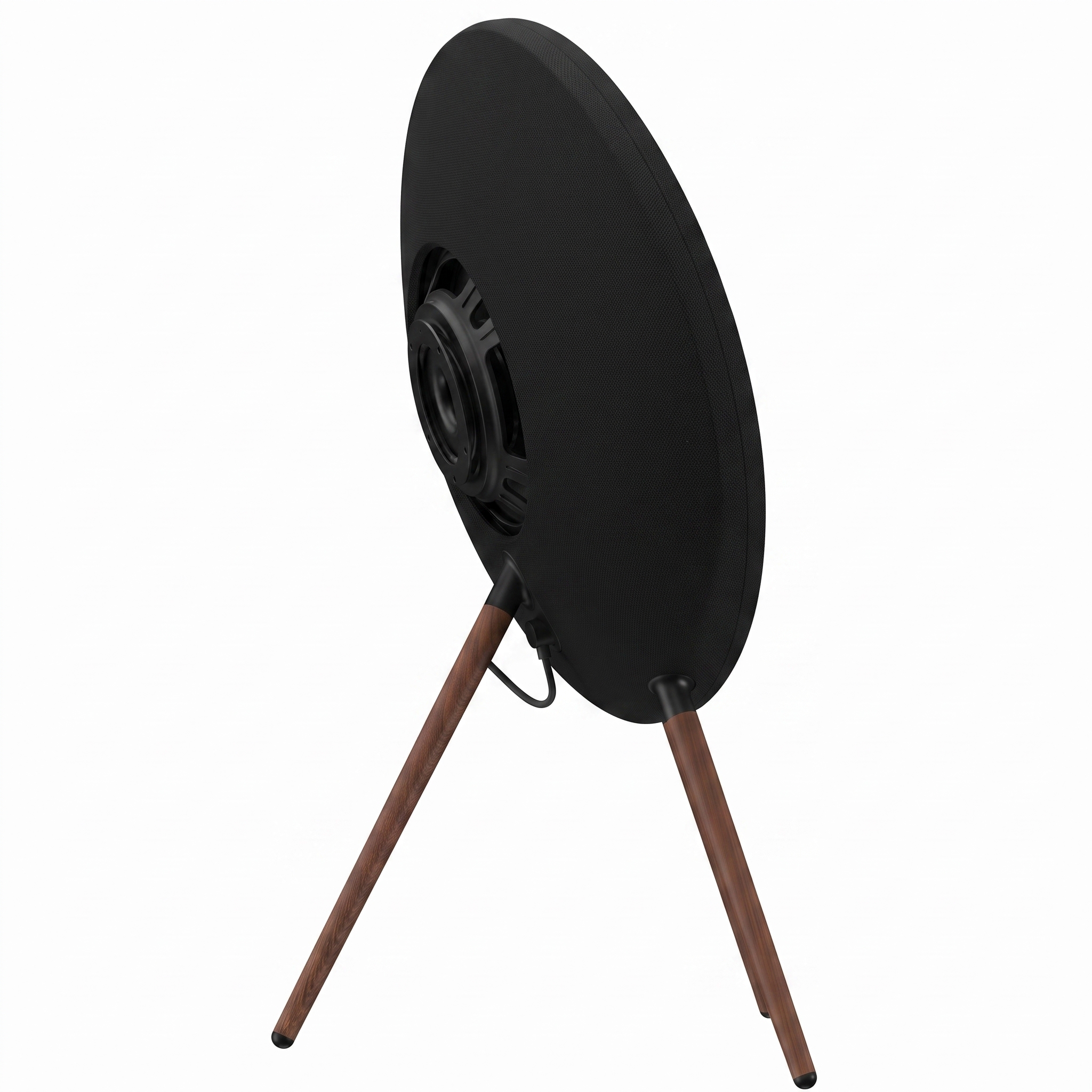
Visual Hi-Fi R1 Speaker & Smart Control HUB Set SAVE 33%

€35,98 EUR
€239,00 EUR
Color
Quantity
Inventory: 50 remaining available
Shipping & Returns &Trusted in 20+ countries
Easy to assemble?

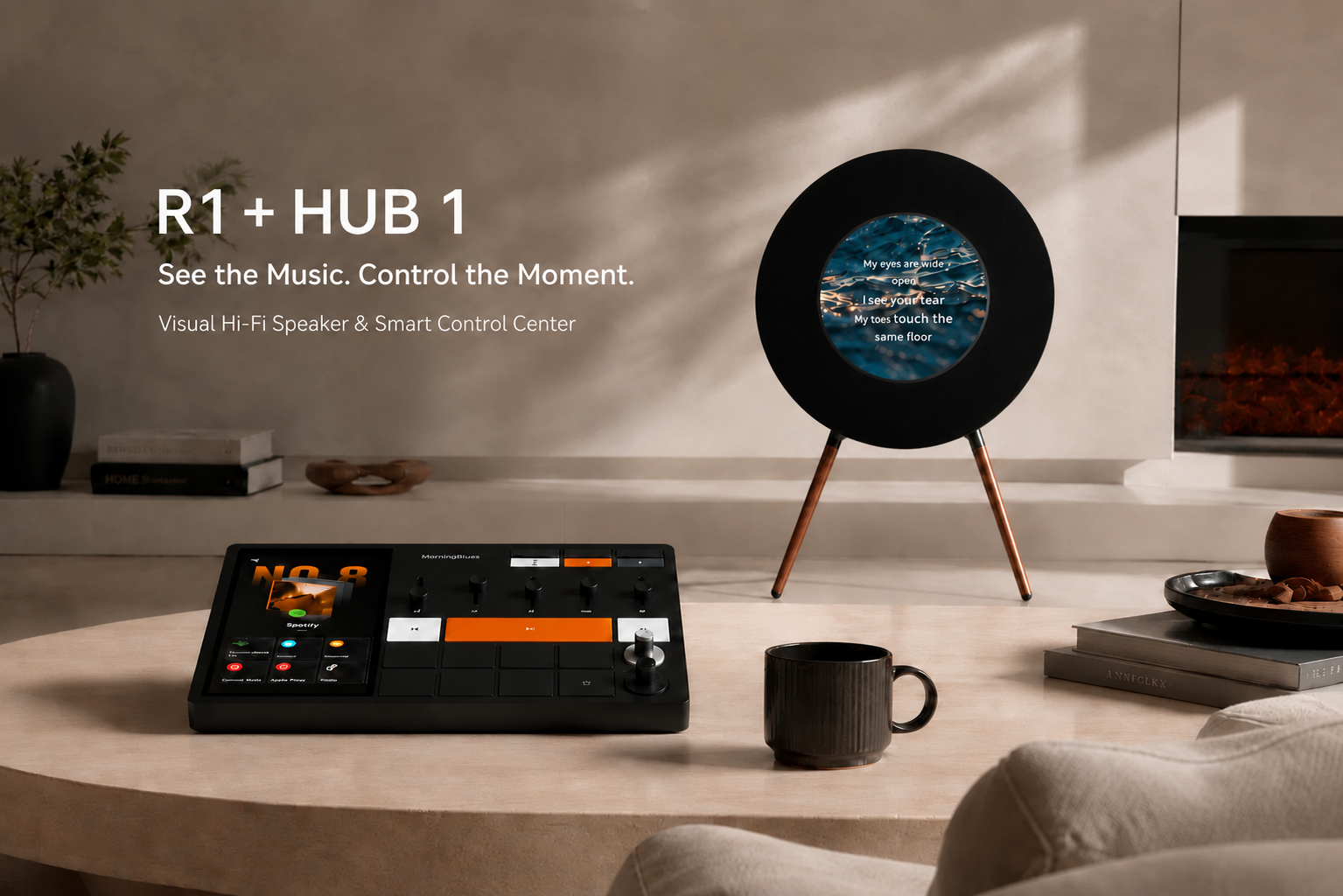
R1 Makes Music Visible. Hub Makes It Effortless.

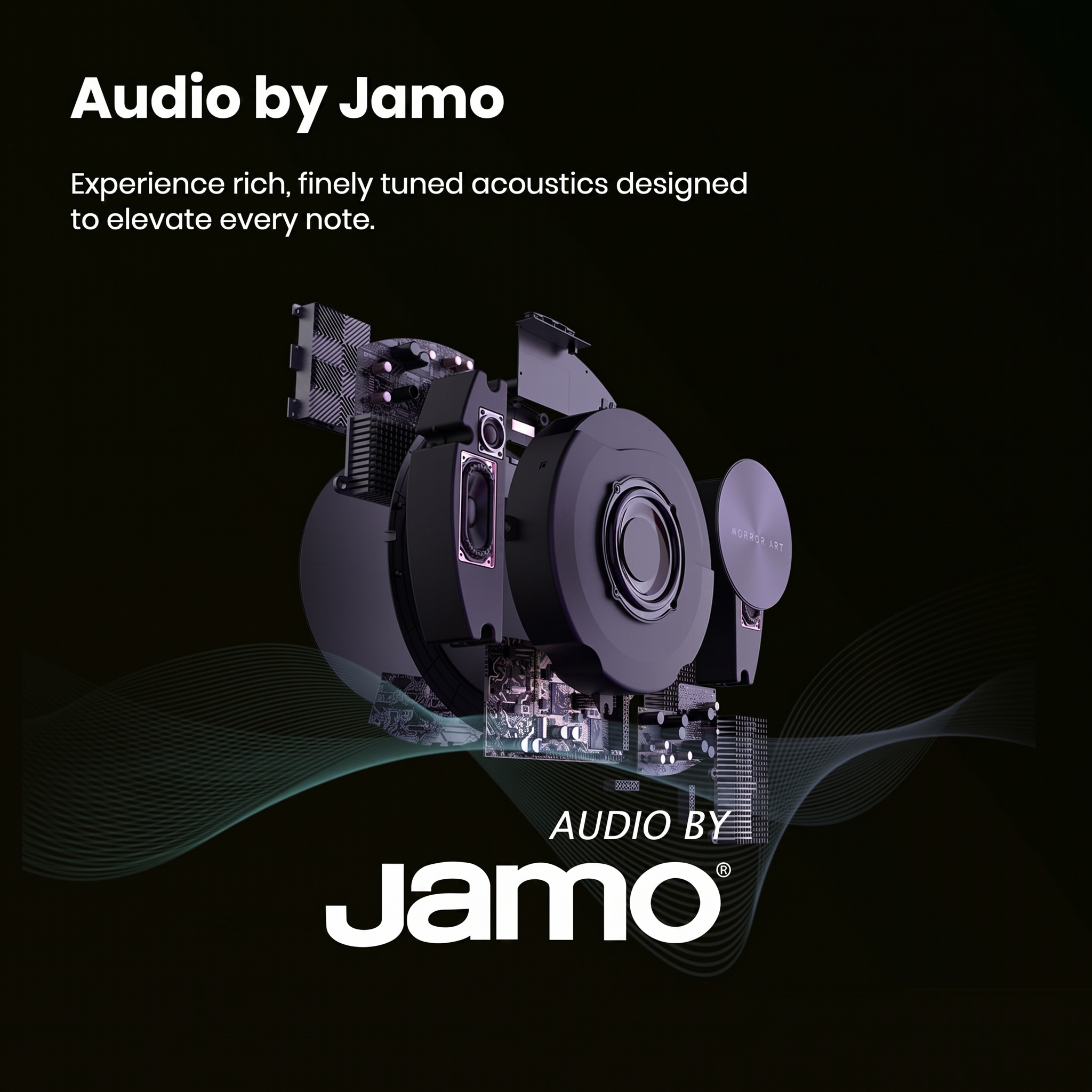
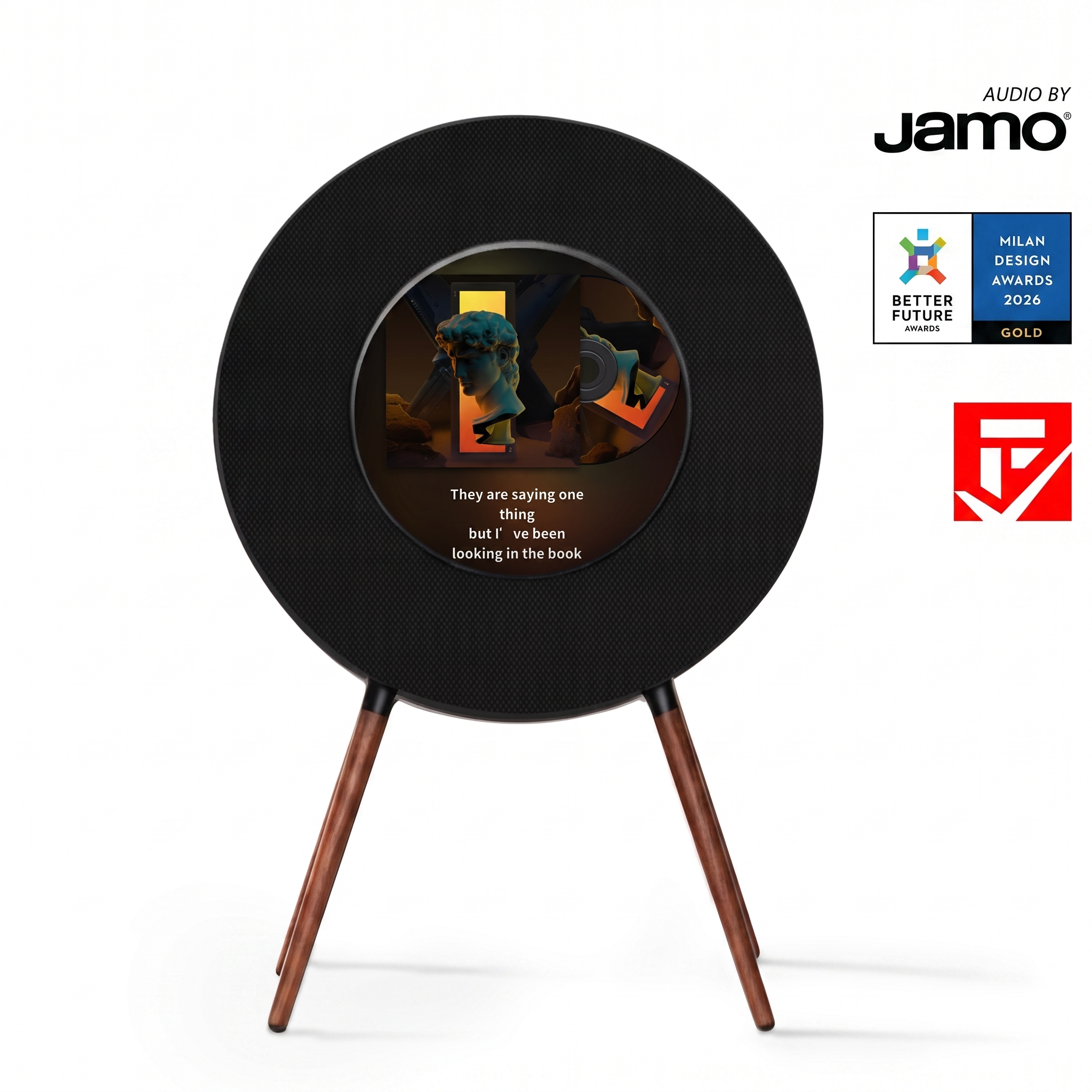
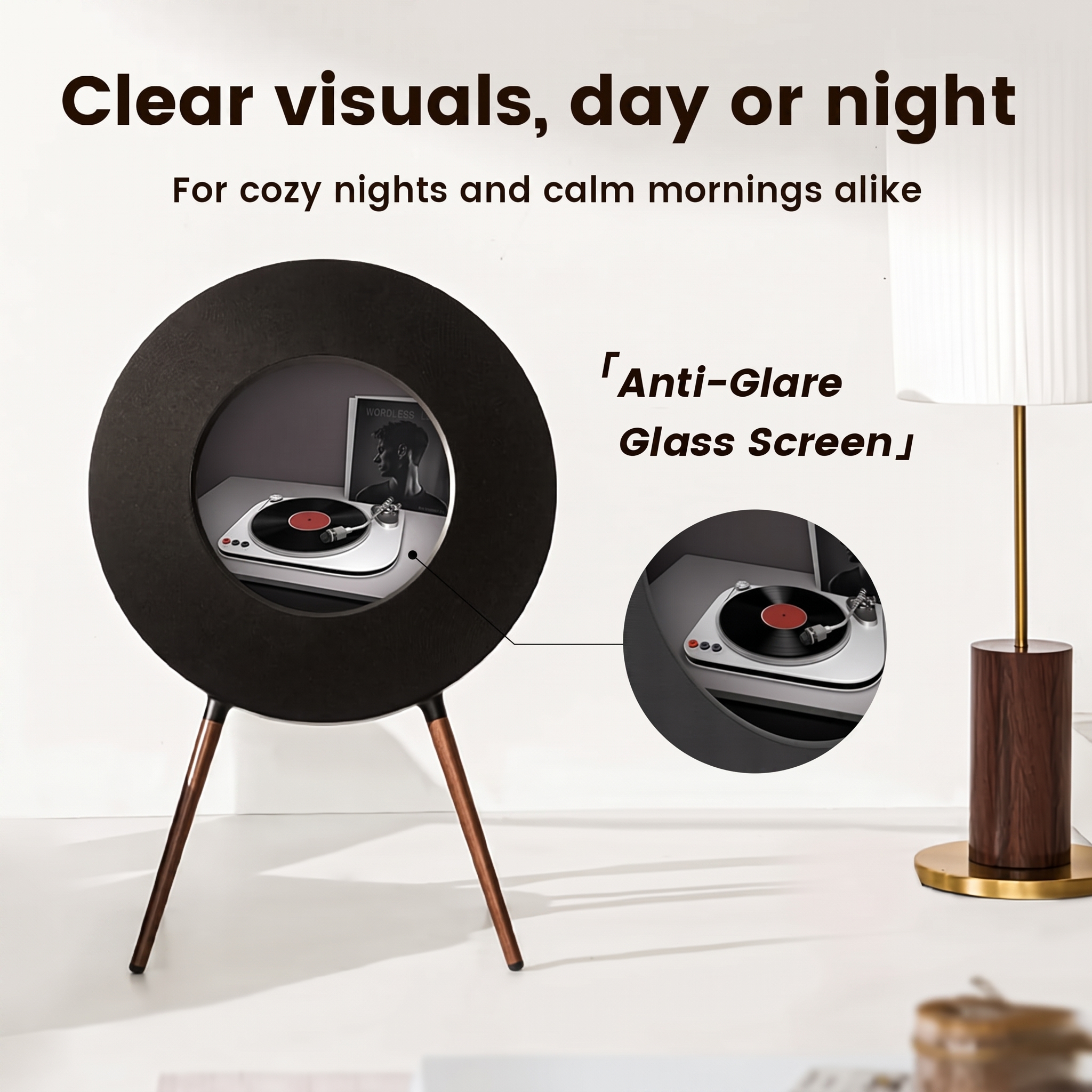
🎉August Special Offers🎉——Vinyl Bluetooth Speaker, 21.5" Dynamic Lyric Display & 2.1 Hi-Fi Audio
SILHOUETTE
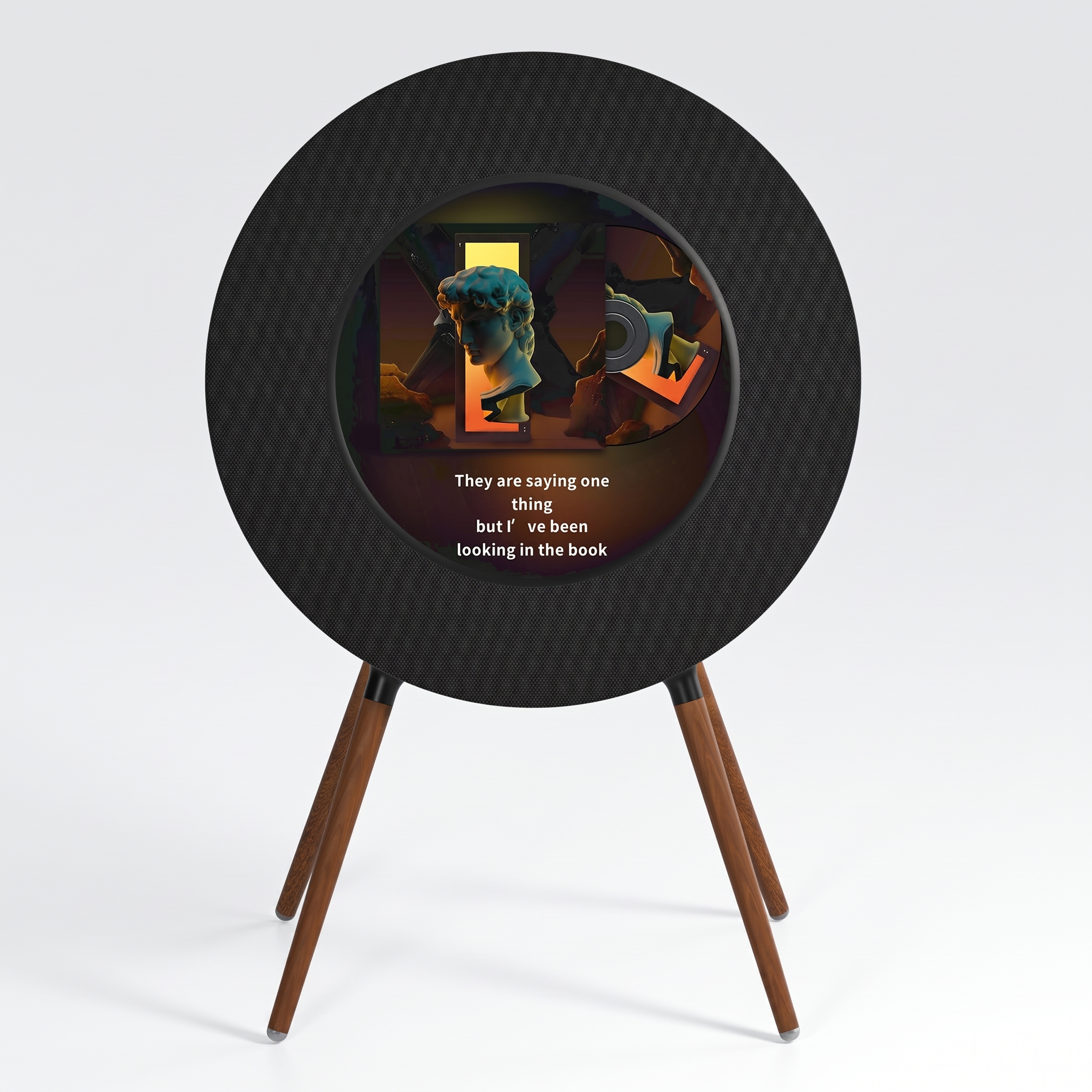
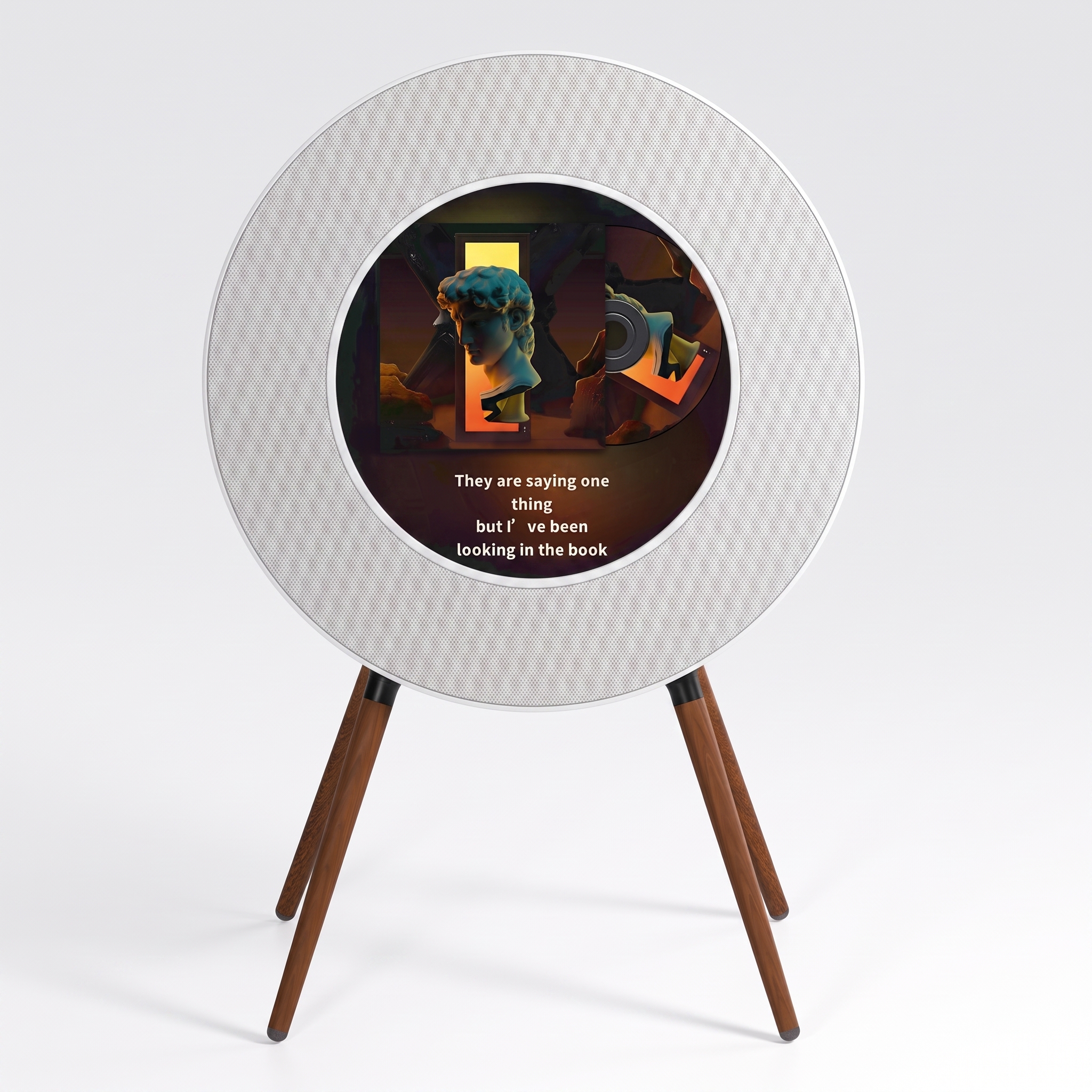
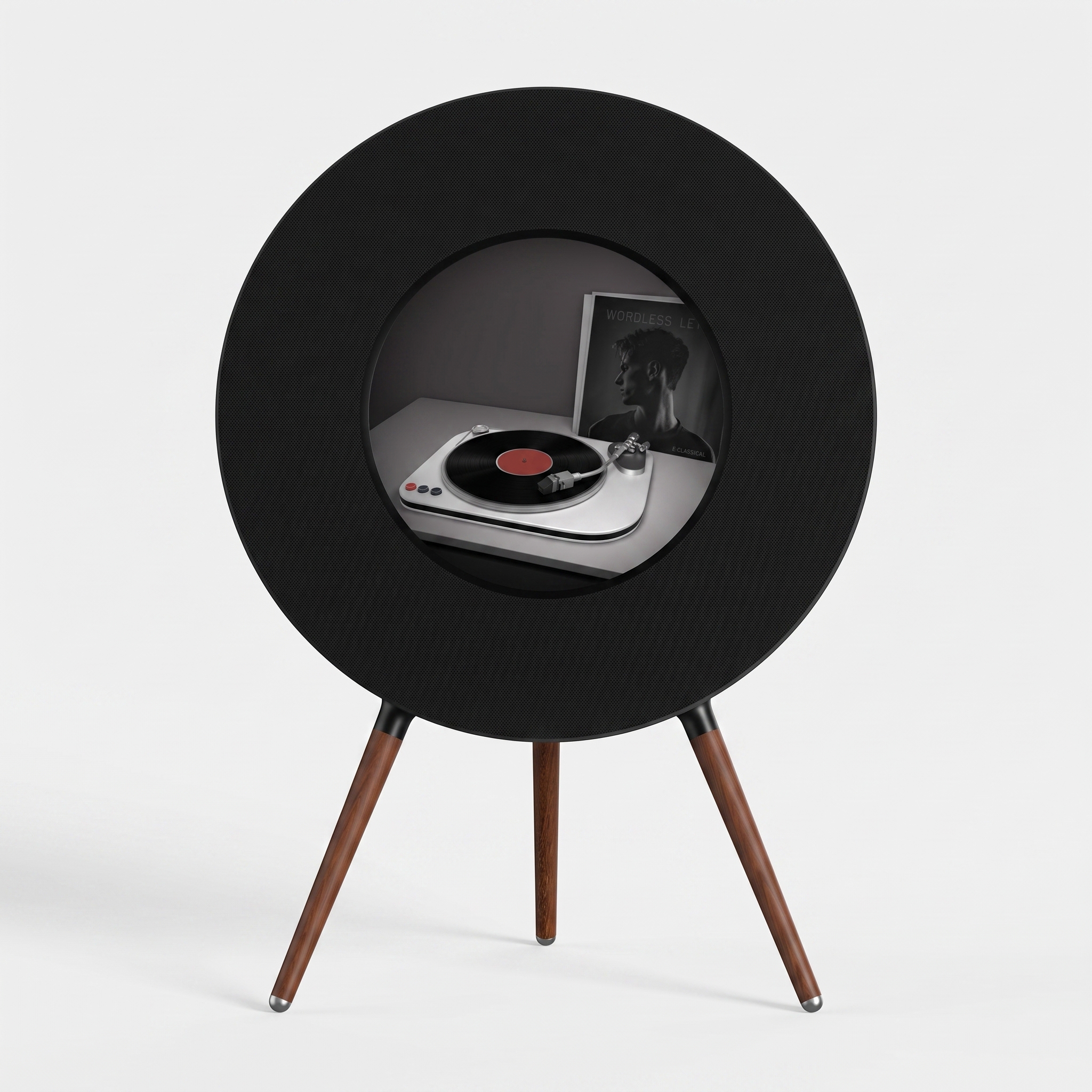
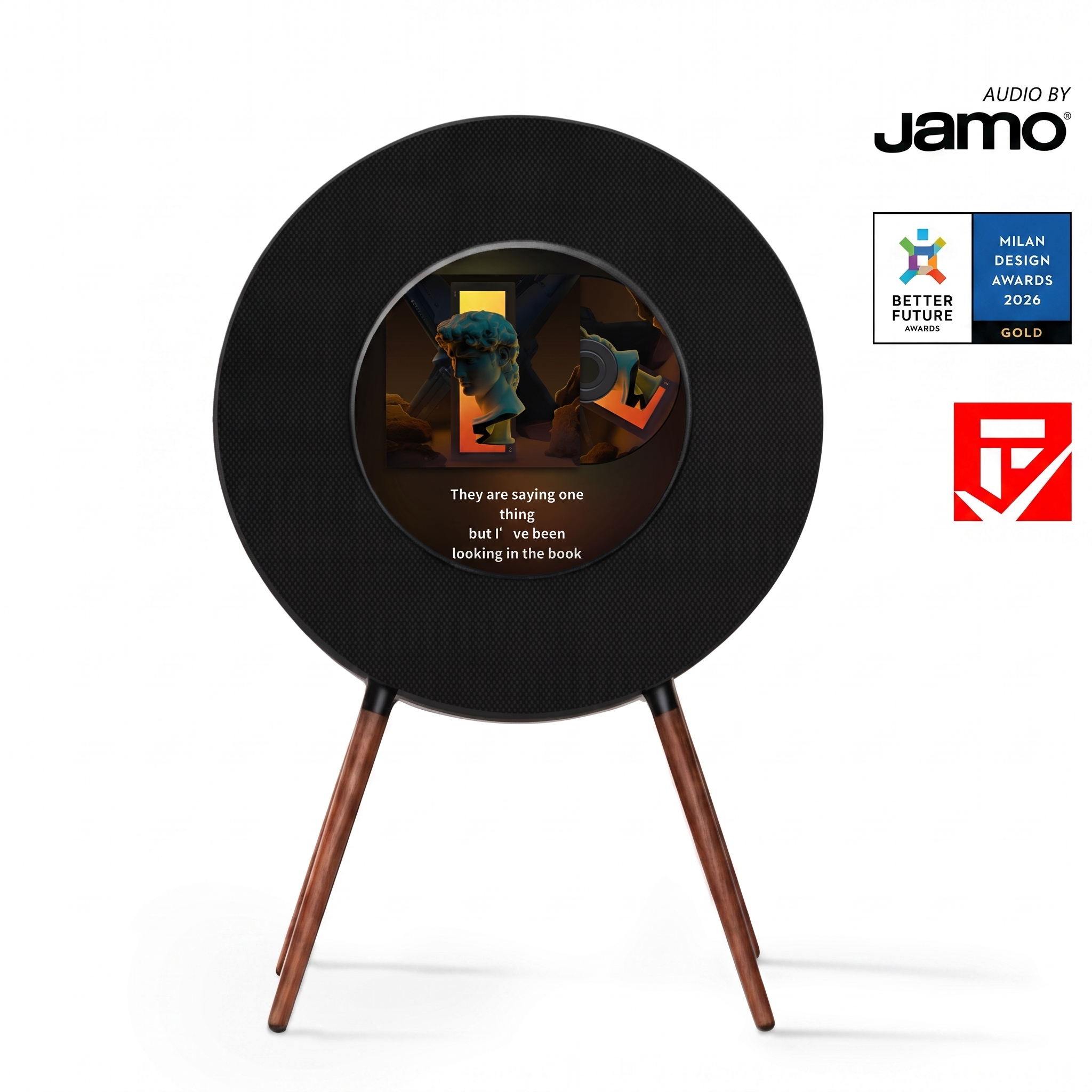
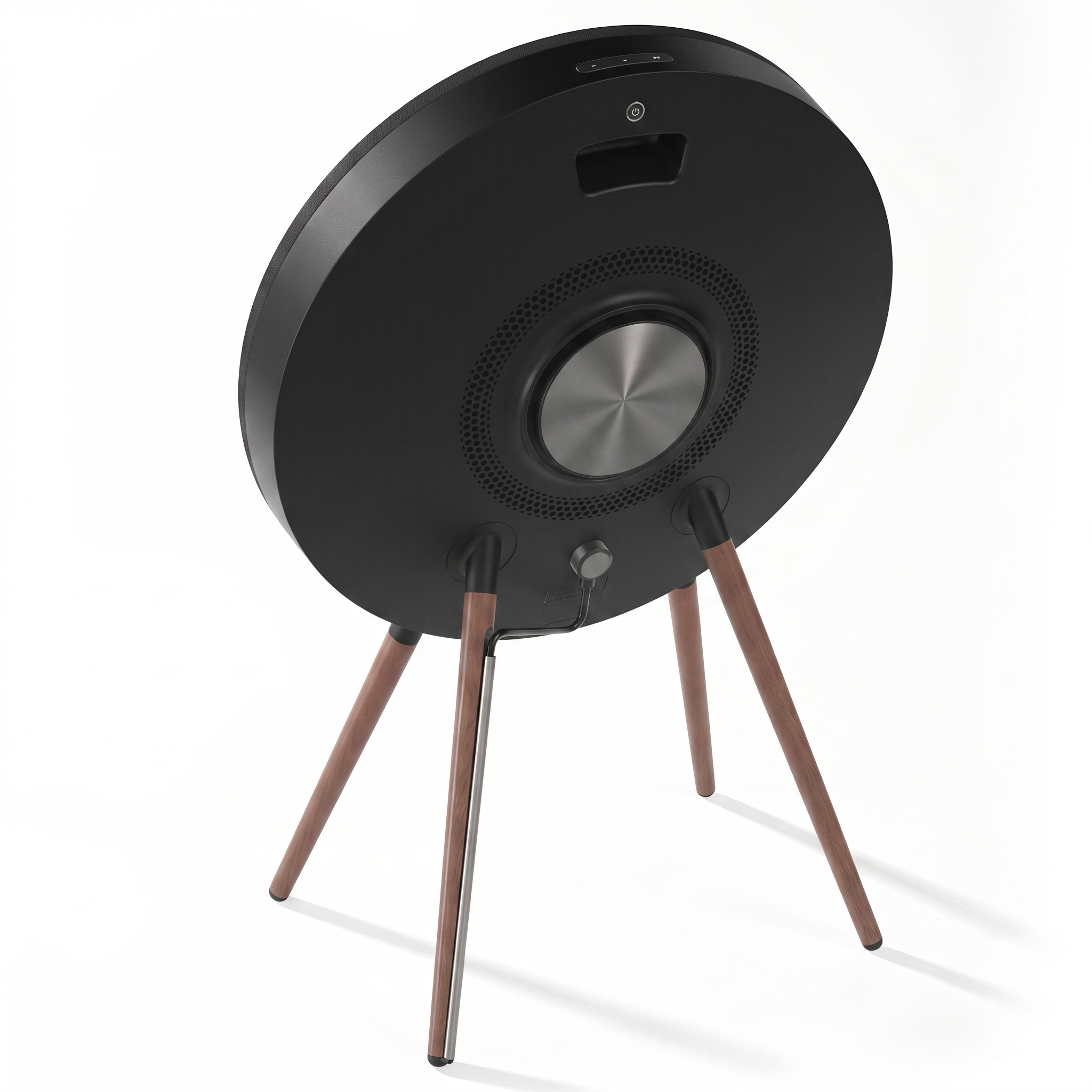
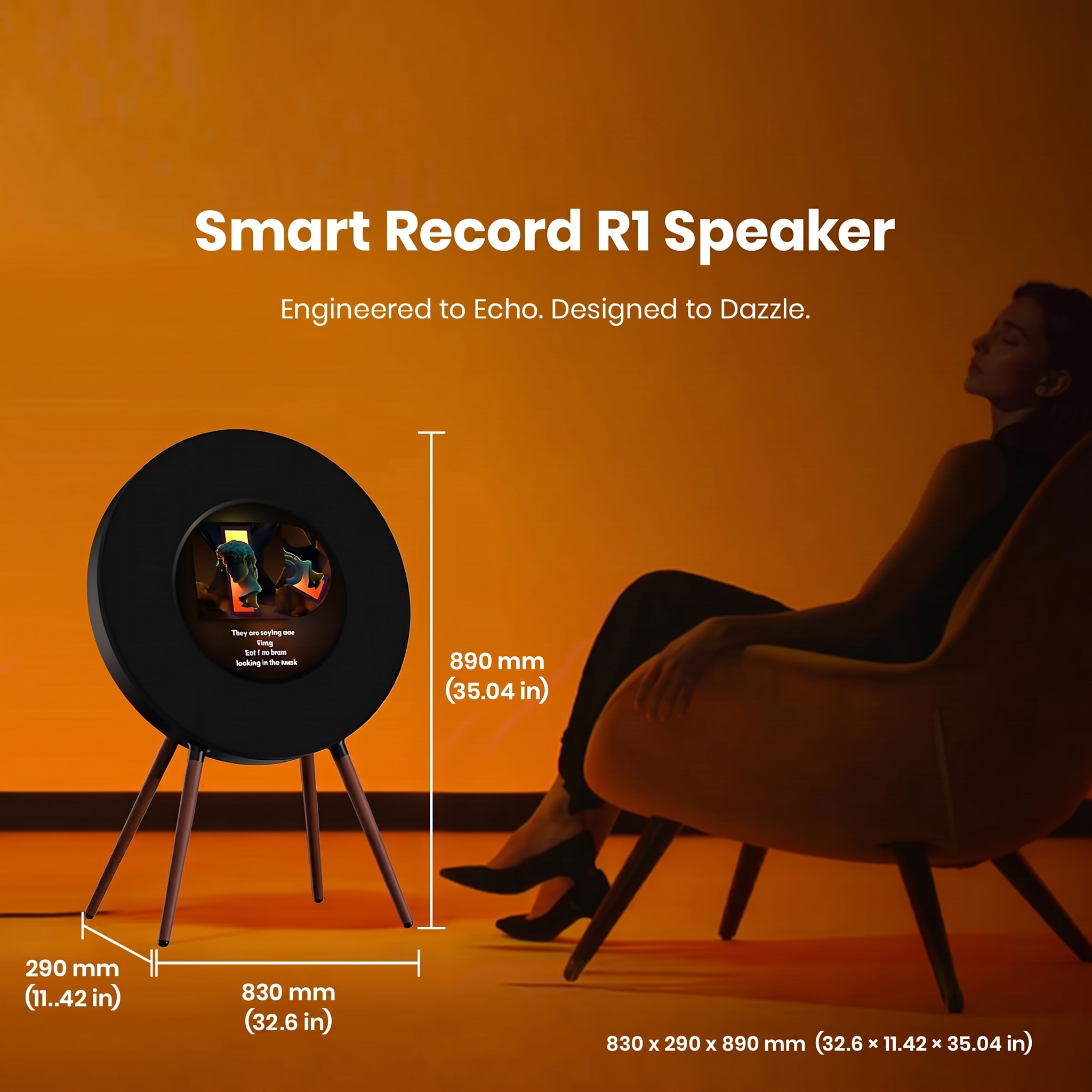
  • Inspired by the timeless form of a vinyl record
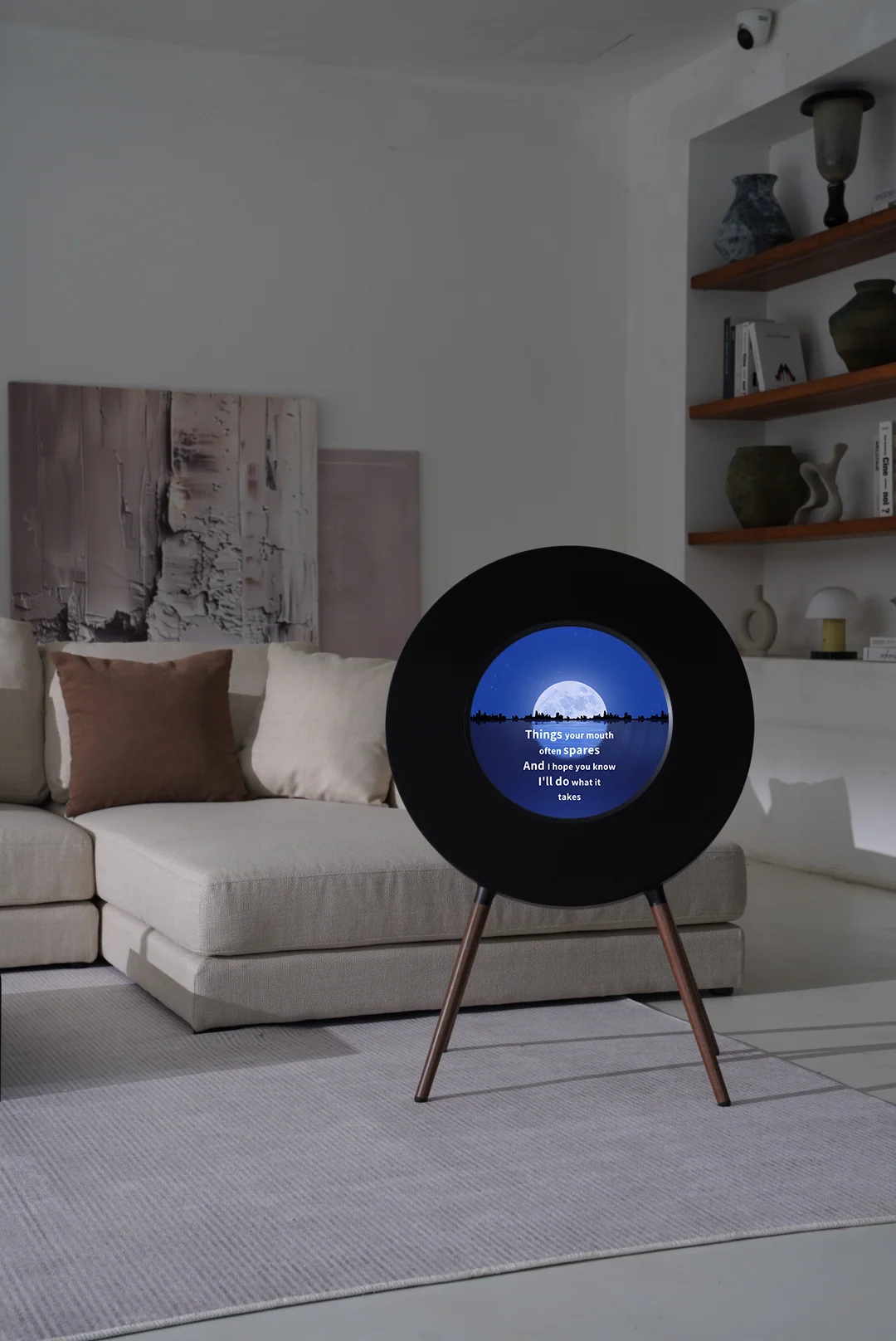
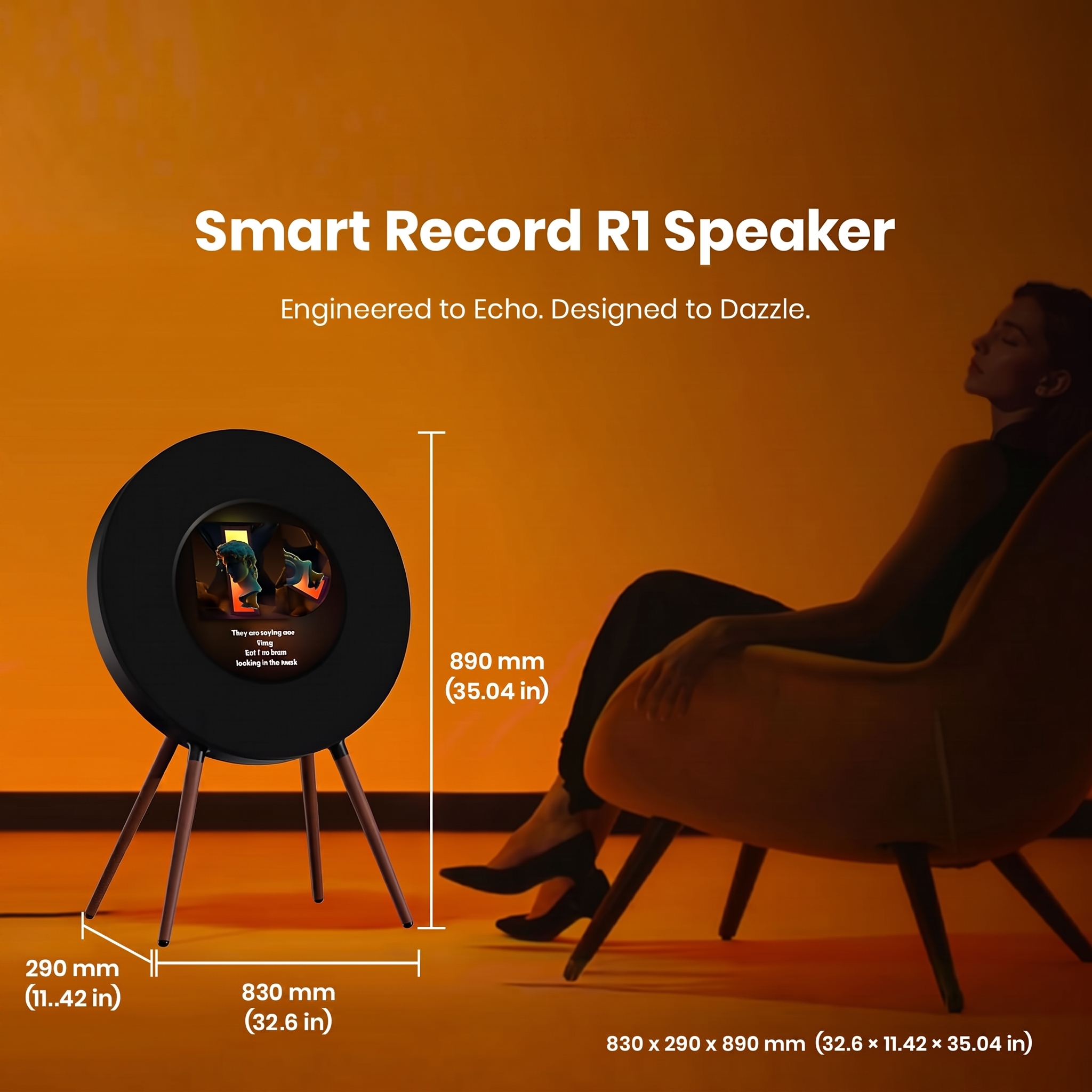
RECORD R1
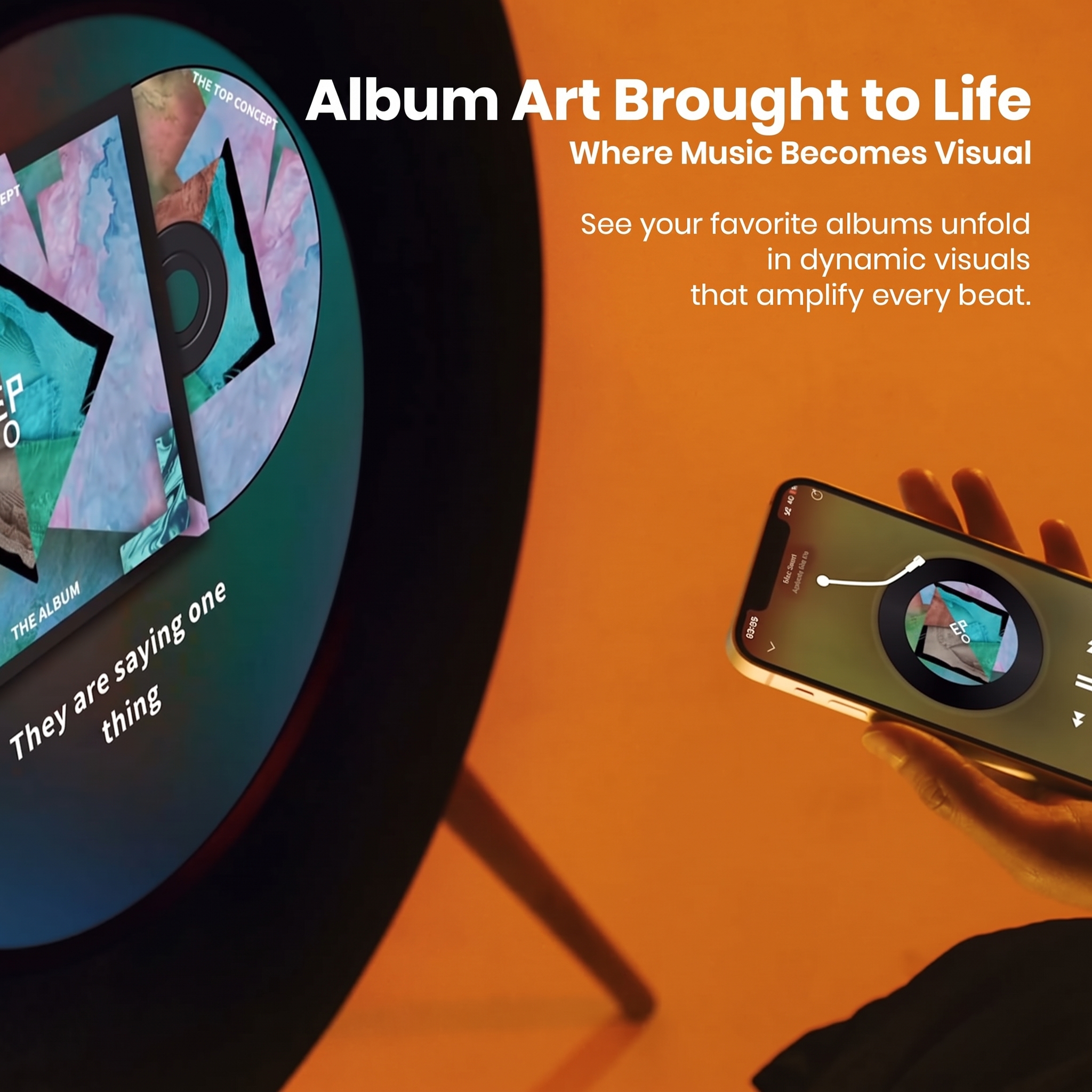
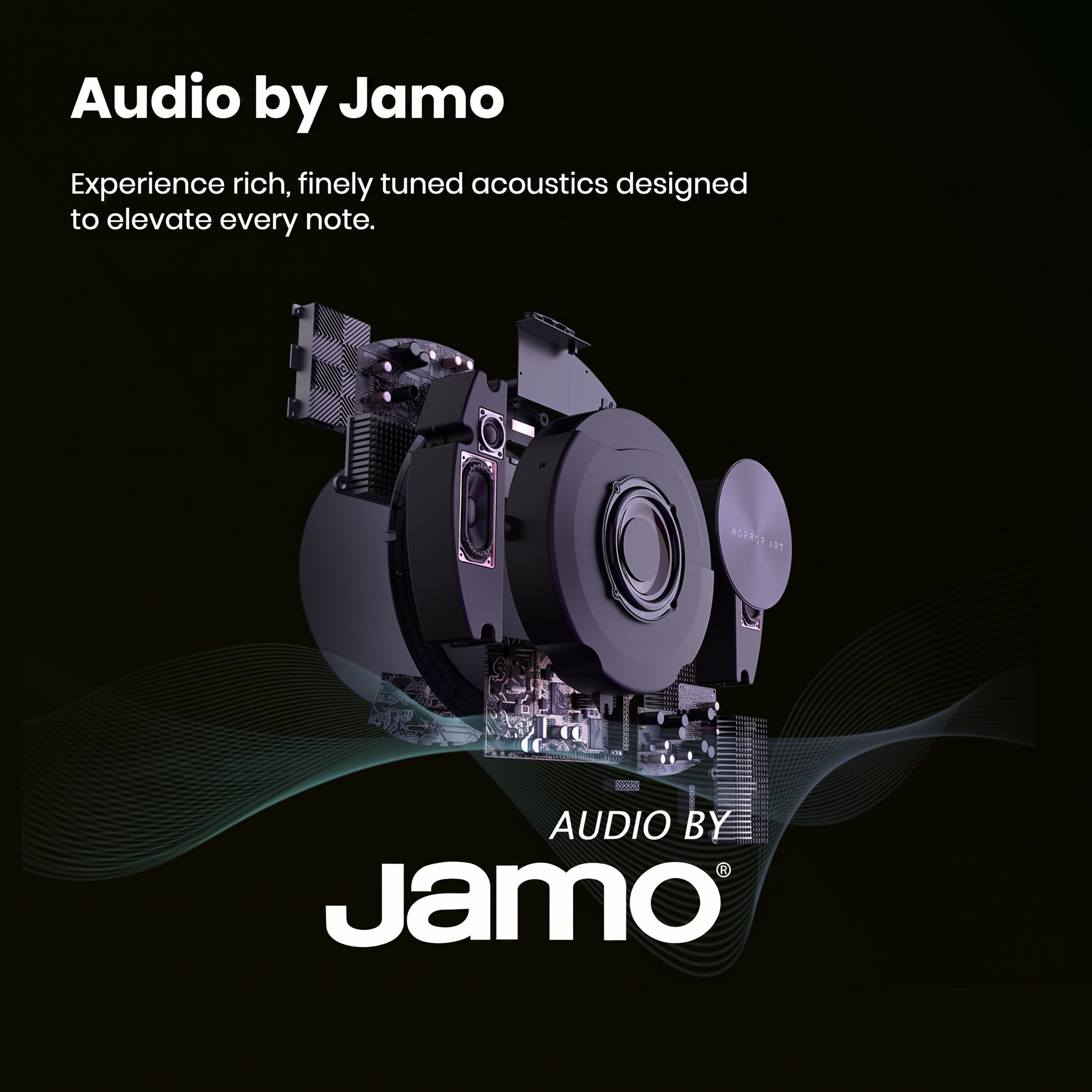
  • Sound + Lyrics + Album Art
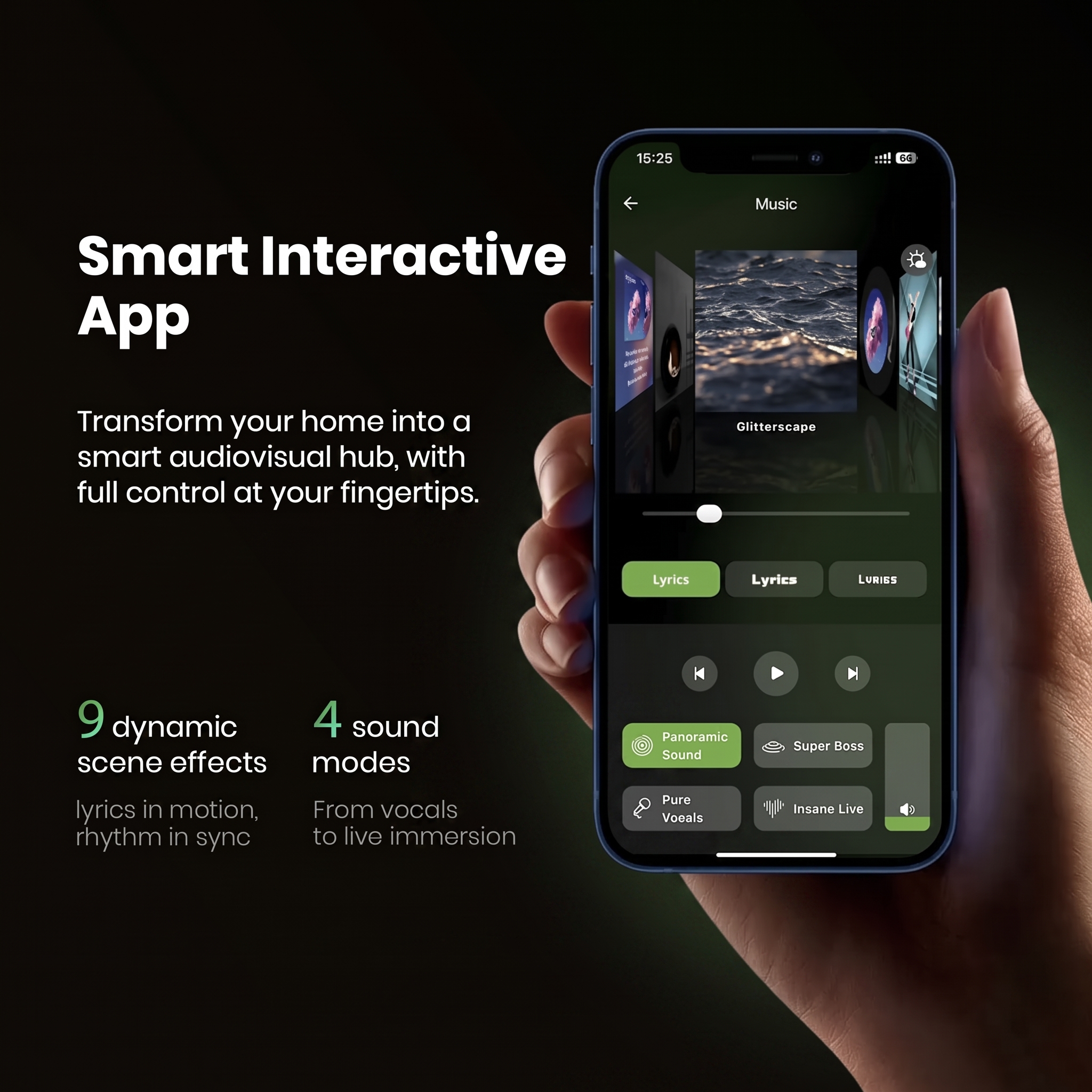
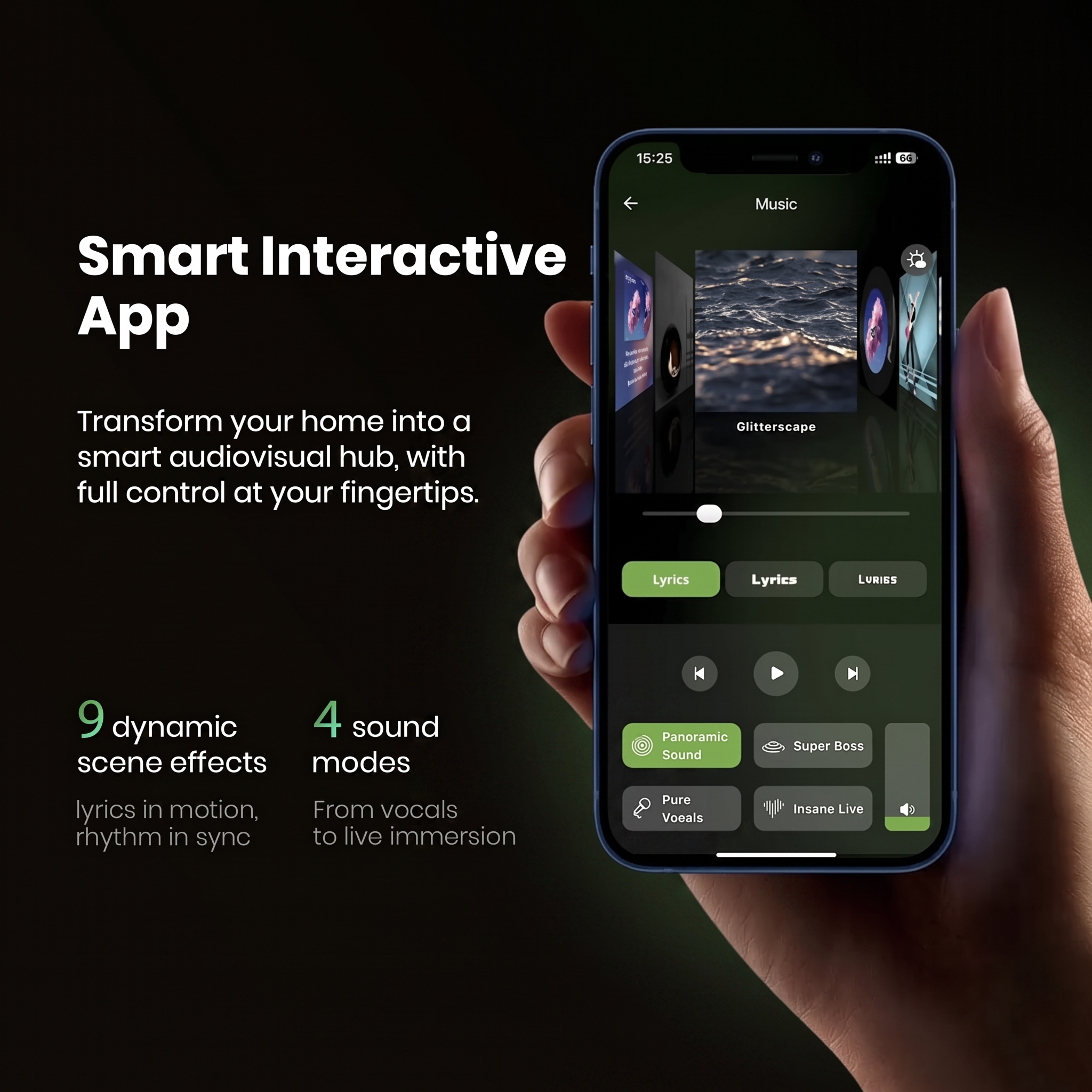
MUSIC HUB 1
  • Control + EQ + Shortcuts
SILHOUETTE
  • Inspired by the timeless form of a vinyl record
RECORD R1
  • Sound + Lyrics + Album Art
MUSIC HUB 1
  • Control + EQ + Shortcuts
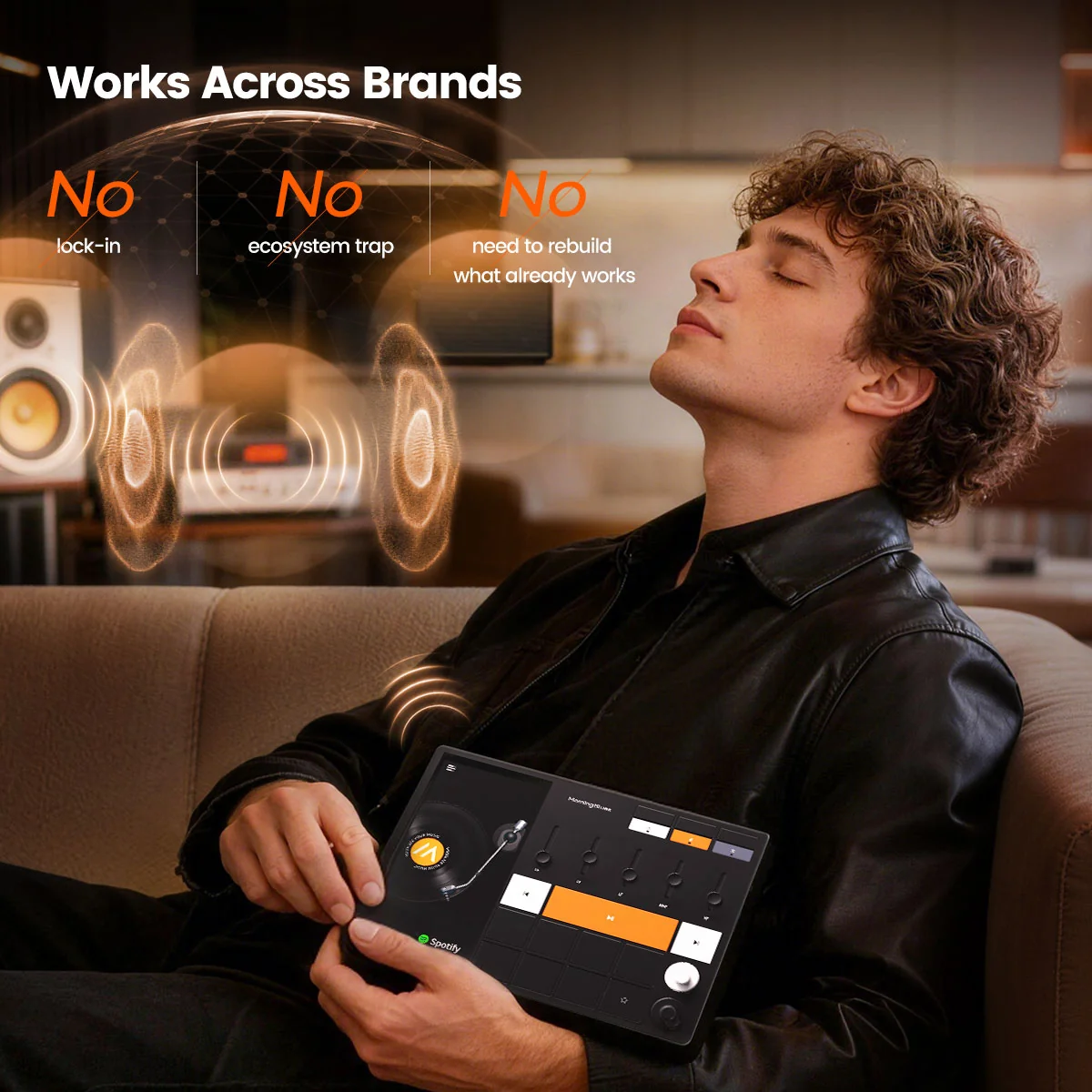
Put Music Back Within Reach.

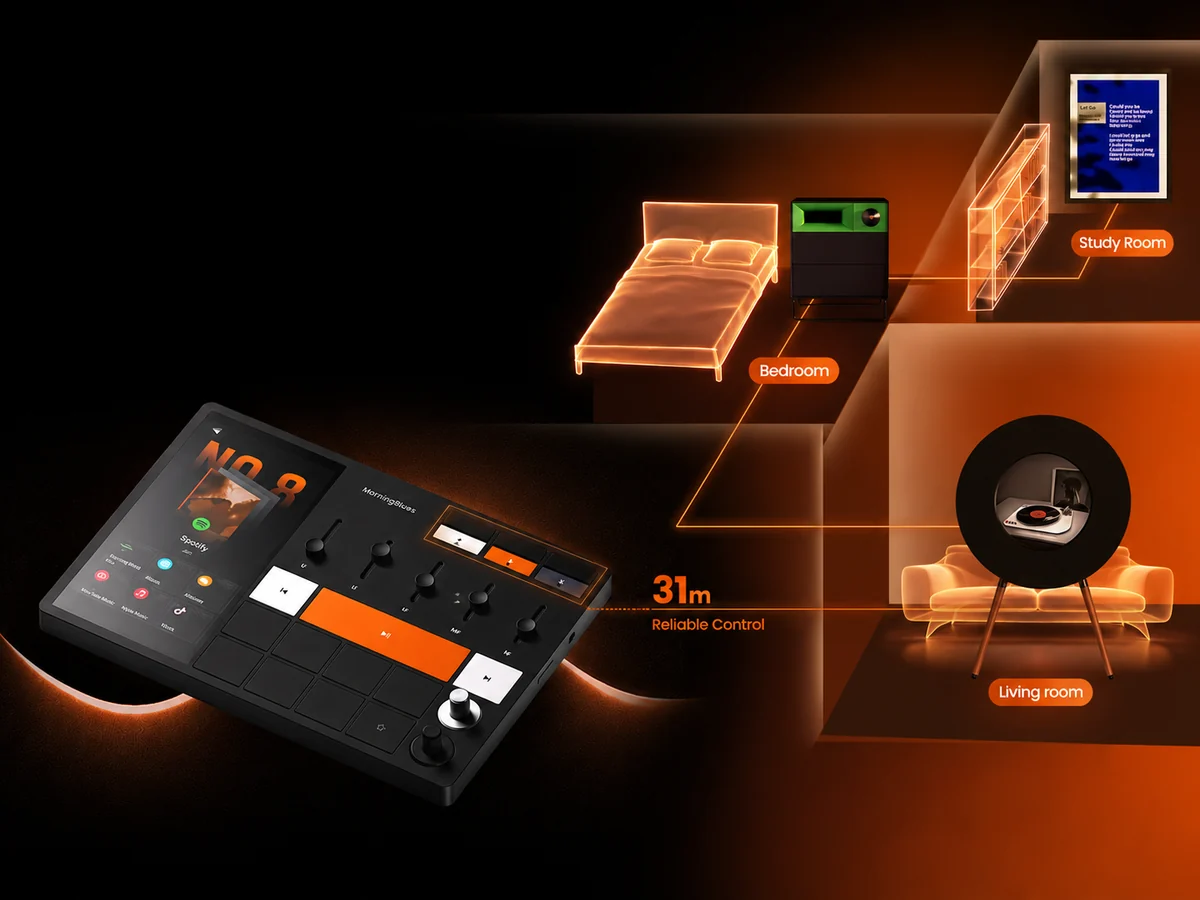
One-Press Switching Hands-On EQ Customizable Shortcuts Connect Up to Three Devices Your music stays close without keeping your phone in your hand.

Press Play. Stay in the Moment.
Choose Your Music
  • Start the soundtrack for your morning, afternoon or evening.

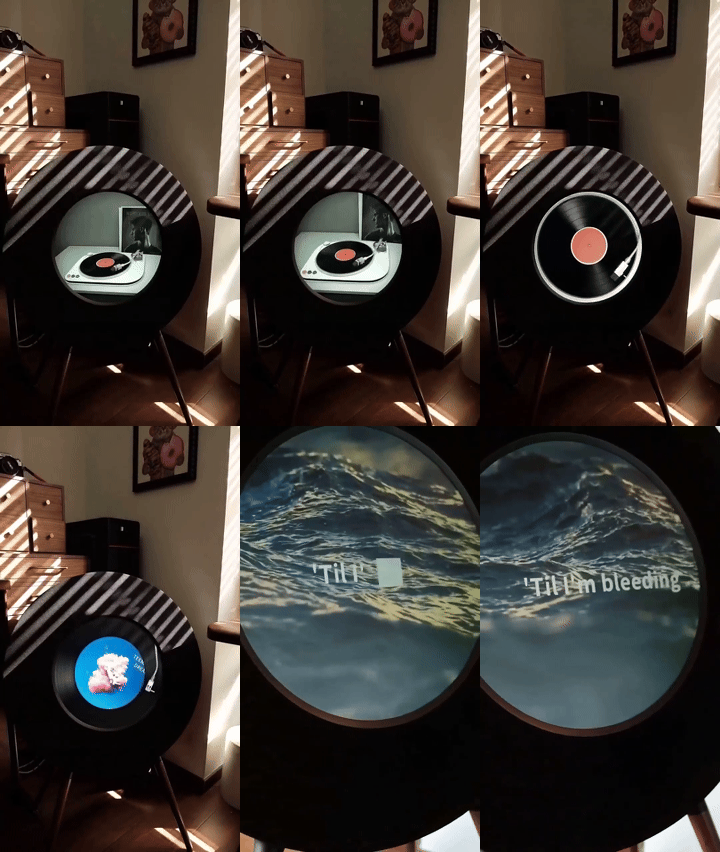
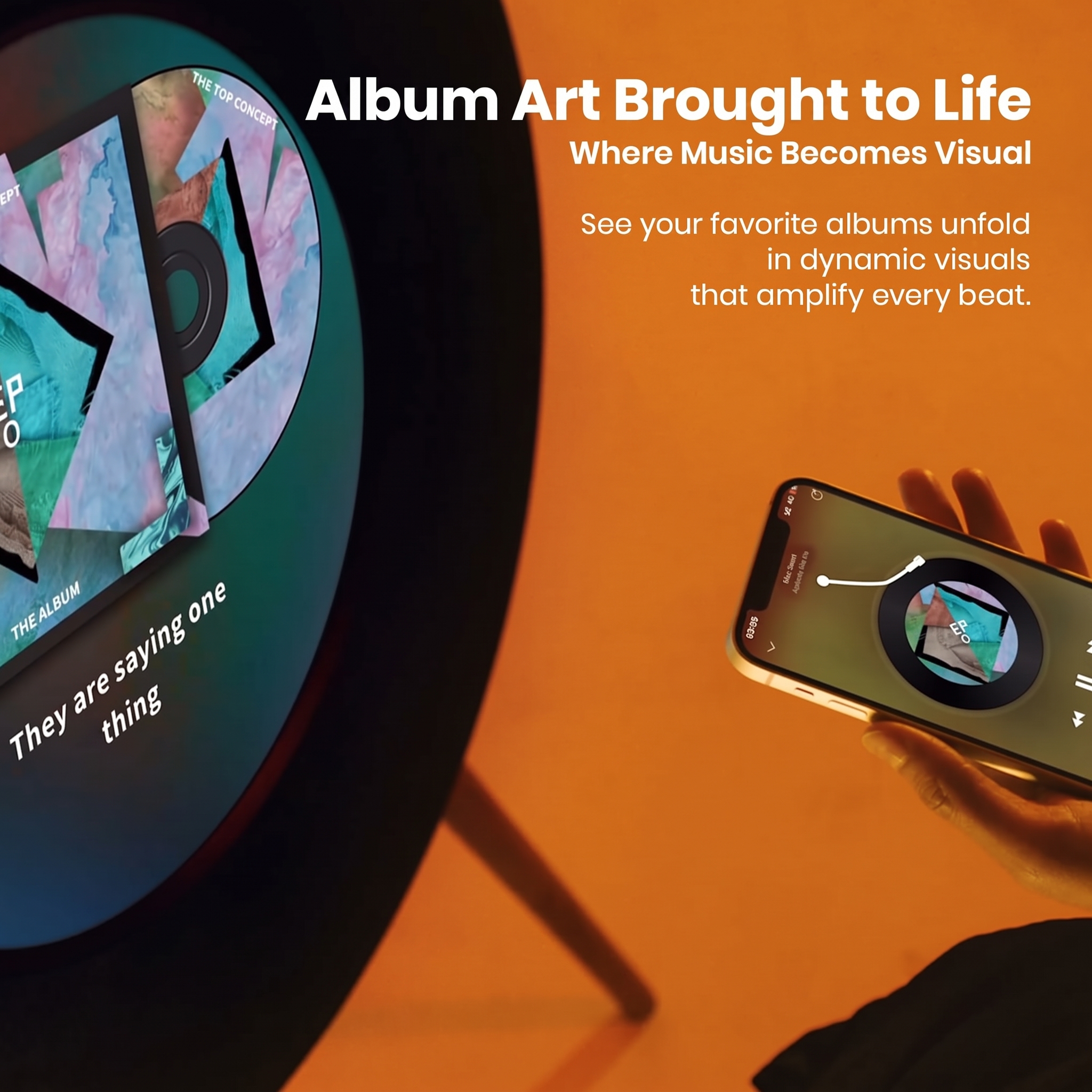
Let R1 Bring It to Life
  • Listen with Hi-Fi sound while album artwork and dynamic lyrics add another dimension to the experience.

Take Control from the Hub
  • Adjust, switch and shape your listening experience through tactile controls without constantly returning to your phone.
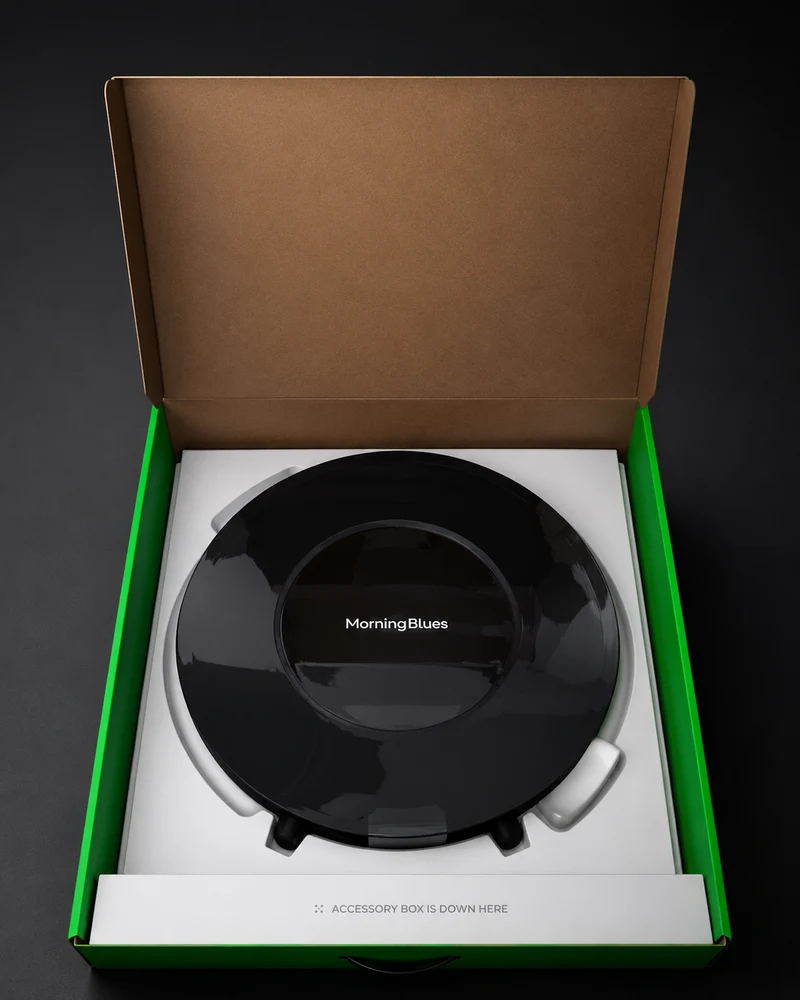
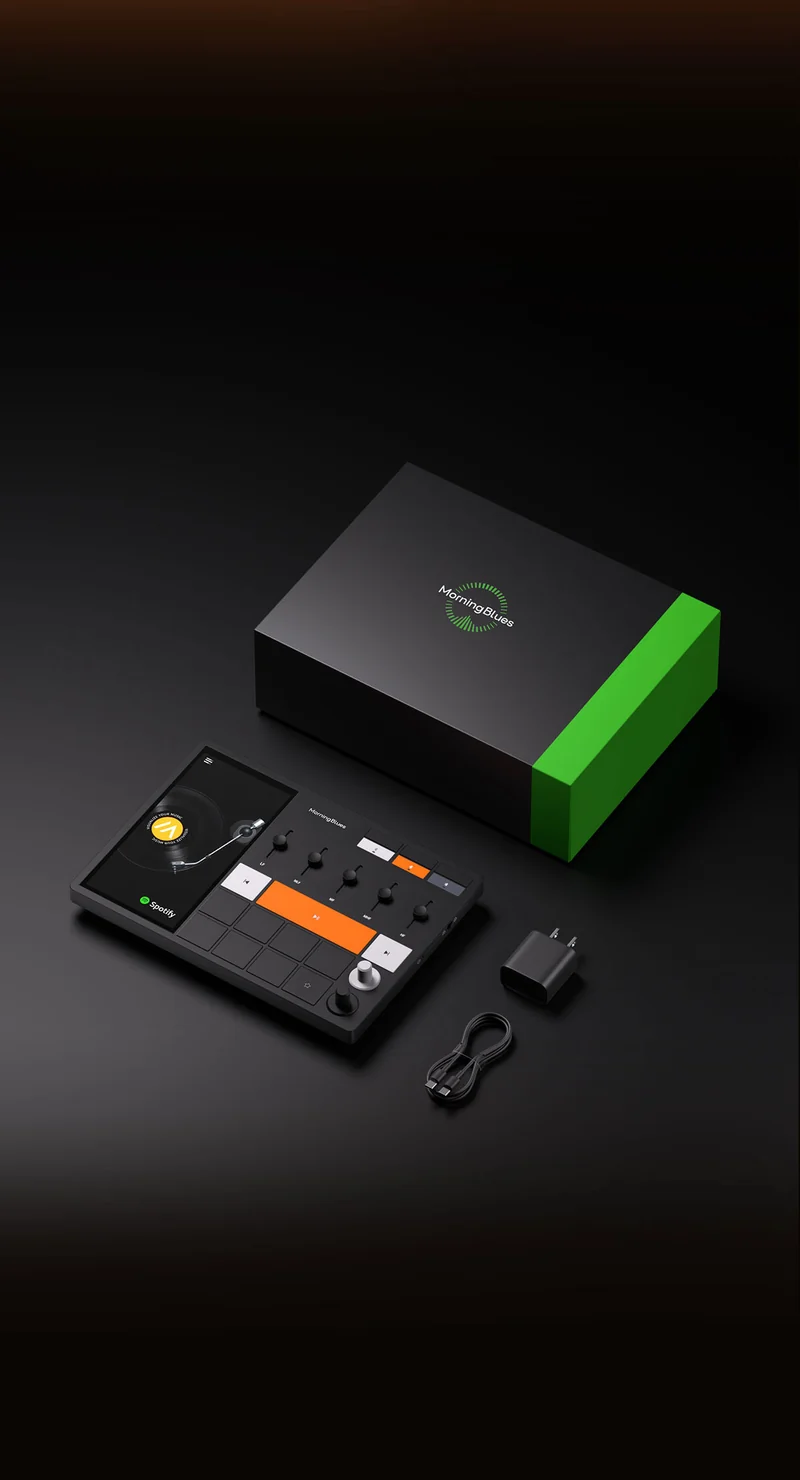
What's Include

What's Include
  • MorningBlues Record R1 × 1
Optional button
What's Include
  • MorningBlues Music Hub 1 × 1
 
Optional button

FAQ

What types of power adapter plugs does it?

Our power adapter plugs are available in three specifications: Chinese standard two-pin plug, US standard two-pin plug, and European standard two-pin plug. The included power adapter supports an input voltage of 100–240 VAC, 50/60 Hz.

*Please note that only one plug type is included per unit, and it is shipped based on the destination region. For example, if a customer in North America purchases the North American version and later wishes to use it in Europe, a US-to-EU plug adapter will be required.

How can I pair Bluetooth with the Record R1?

1. Turn on the Record R1;
2. Go to Bluetooth settings on your phone: Settings > Bluetooth;
3. Make sure Bluetooth is enabled;
4. Select Record R1 from the list of available devices. If it doesn’t appear, turn Bluetooth off and on again;
5. Follow the on-screen instructions to complete the pairing.

In addition, you can personalize your Record R1 by customizing its Bluetooth name in the App, giving it a unique identity.

What can I do if I can't connect to the Record R1?

Here's how to troubleshoot the Bluetooth connection between your Record R1 and your Phone.

Check the location
Ensure both devices are within 15 meters of each other. Avoid placing them near other Bluetooth devices, microwaves, wireless routers, or electronics that may interfere with the signal.

Check the sound settings
Go to your phone’s Settings > Bluetooth, and select the Record R1.

Check the volume
1. Ensure both devices are charged and powered on;
2. Increase the volume on both your Record R1 and your phone.

Use Forget Device, then pair your Record R1 again
1. Disconnect your Record R1, go to Settings > Bluetooth on your phone, tap the Info button next to the Record R1 name, and select Forget This Device;
2. Pair your Record R1 again.

Reset your Record R1, then pair them again
Restore factory settings on your Record R1, then re-pair it with your phone. Note: this will erase all data on the Record R1.

Can it display lyrics while I sing? Can I upload my own photos?

1.Yes. When music is played through the HUB, lyrics can be displayed so you can follow along easily.

Your voice is picked up by the microphone and played through it, giving you a more immersive karaoke-style sound.

2.Yes. You can upload your favorite images through the MorningBlues app and use them as part of your personalized visual experience.

📦
Ships in 3 Days
🔧
3-Year Warranty
🔄
30-Day Free Returns
🔒
SSL Secure Checkout
Visa Mastercard PayPal Amex

FAQ

What types of power adapter plugs does it?

Our power adapter plugs are available in three specifications: Chinese standard two-pin plug, US standard two-pin plug, and European standard two-pin plug. The included power adapter supports an input voltage of 100–240 VAC, 50/60 Hz.

*Please note that only one plug type is included per unit, and it is shipped based on the destination region. For example, if a customer in North America purchases the North American version and later wishes to use it in Europe, a US-to-EU plug adapter will be required.

How can I pair Bluetooth with the Record R1?

1. Turn on the Record R1;
2. Go to Bluetooth settings on your phone: Settings > Bluetooth;
3. Make sure Bluetooth is enabled;
4. Select Record R1 from the list of available devices. If it doesn’t appear, turn Bluetooth off and on again;
5. Follow the on-screen instructions to complete the pairing.

In addition, you can personalize your Record R1 by customizing its Bluetooth name in the App, giving it a unique identity.

What can I do if I can't connect to the Record R1?

Here's how to troubleshoot the Bluetooth connection between your Record R1 and your Phone.

Check the location
Ensure both devices are within 15 meters of each other. Avoid placing them near other Bluetooth devices, microwaves, wireless routers, or electronics that may interfere with the signal.

Check the sound settings
Go to your phone’s Settings > Bluetooth, and select the Record R1.

Check the volume
1. Ensure both devices are charged and powered on;
2. Increase the volume on both your Record R1 and your phone.

Use Forget Device, then pair your Record R1 again
1. Disconnect your Record R1, go to Settings > Bluetooth on your phone, tap the Info button next to the Record R1 name, and select Forget This Device;
2. Pair your Record R1 again.

Reset your Record R1, then pair them again
Restore factory settings on your Record R1, then re-pair it with your phone. Note: this will erase all data on the Record R1.

Can it display lyrics while I sing? Can I upload my own photos?

1.Yes. When music is played through the HUB, lyrics can be displayed so you can follow along easily.

Your voice is picked up by the microphone and played through it, giving you a more immersive karaoke-style sound.

2.Yes. You can upload your favorite images through the MorningBlues app and use them as part of your personalized visual experience.

📦
Ships in 3 Days
🔧
3-Year Warranty
🔄
30-Day Free Returns
🔒
SSL Secure Checkout
Visa Mastercard PayPal Amex

Cart

loading